AssetLibrary, ScriptedAssetLibrary, ModsFolderLibrary, etc
This section isn't Codename Engine specific, but it is still relevant to how you make your Codename Engine Mods.
⚠️ Warning ⚠️
If you do not care about the in-depth explanation, or care about Library's you are free to skip this section, although there is some things to note before doing so.
From now on, we will be referencing your Mod as some of the following:
- Mod Library
- ModsFolderLibrary
- Library
- Custom Library
- Compressed Library
This is because your entire mod is based around the ModsFolderLibrary, which is an extension of AssetLibrary. If you wish to fully understand the concept, this guide will attempt to explain it as simple as possible.
It is reccomended you read this section, as it will help you better understand how to use your Modpack to the fullest, using the engine to it's fullest.
What is a Library?
In this context, a Library is literally what you'd expect it to mean. It's just a class you interact to get Assets from. You can think of it being a folder, and all of it's contents are indexed by the folder's location.
For example, if you want to path to a file like ./images/stages/stage.png, you would do Library.getPath('assets/images/stages/stage.png'). This would return the file's location based on the context of where your library wants to locate for your files.
To Haxe, usually you want the absolute path relative to your project's root, which is prefixed by the common ./. In Codename Engine's case, it will return the path in the mod's folder. ./mods/My Mod/images/stages/stage.png.
Why does it return assets/My Mod/images/stages/stage.png when debugging?
This is because of Manifests. All you need to know for Modding purposes, is because AssetLibrary just needs the relative path to the file from ./assets/.
Since the Library already knows where the folder is located, and because of some black magic that we don't care about right now, you must path from the ./assets/ folder.
Why should I care about AssetLibrary?
You really shouldn't, unless you are wanting to make support for either addons, other mods, etc. Though, any Compressed Library's (i.e. ZipFolderLibrary) you really need to care about, because all of your assets are compressed. Meaning you can't access your data unless you decompress it.
This is mainly why you should at least understand the bare concept of Library's, because of the things you can do with them.
ScriptedAssetLibrary
This section, is for advanced information. You are not required to understand or know this.
In simple terms, A ScriptedAssetLibrary is a ModsFolderLibrary that attaches a script for you to control and path to any files the way you want.
You can have your own Library for handling how you decode assets, audio, etc. It's not exactly useful for most applications, but it does exist and has niche uses.
For example, you can make it so when the library is loaded by a mod, it will use that image for EVERY asset imaginable.
import sys.FileSystem;
import haxe.io.Path;

import funkin.backend.assets.ModsFolder;
import funkin.backend.scripting.Script;

using StringTools;

function create() {
    this.prefix = "assets/"; // you are basically required to have this, not sure how else you can use this. By default it's `"assets/"` iirc.
    this.folderPath = ModsFolder.modsPath + ModsFolder.currentModFolder; // we define from the `./` (asset path) where the folder is for the assets!

    trace("Hello! I'm a ScriptedAssetLibrary!");
}

function __parseAsset(asset:String):Bool {
    if (!asset.startsWith(prefix)) return false;
    // `_parsedAsset` is our current file we are parsing 👀
    _parsedAsset = asset.substr(prefix.length); // remove the prefix for local file appendix

    if (ModsFolder.useLibFile) { // We check if the file has `LIB_` appended to the file structure... idfk why this exists tbh
        var file = new Path(_parsedAsset);
        if (file.file.startsWith("LIB_")) {
            var library = file.file.substr(4); // removes `LIB_` from the path
            if (library != modName) return false; // if the library isn't our current then dont gaf I guess lol

            _parsedAsset = '${file.dir}.${file.ext}';
        }
    }

    if (Path.extension(_parsedAsset) == "png") {
        for (item in _parsedAsset.split("/")) if (item == "2.png") return false;
        _parsedAsset = "images/hi.png";
    }

    return (FileSystem.exists(getAssetPath()));
}
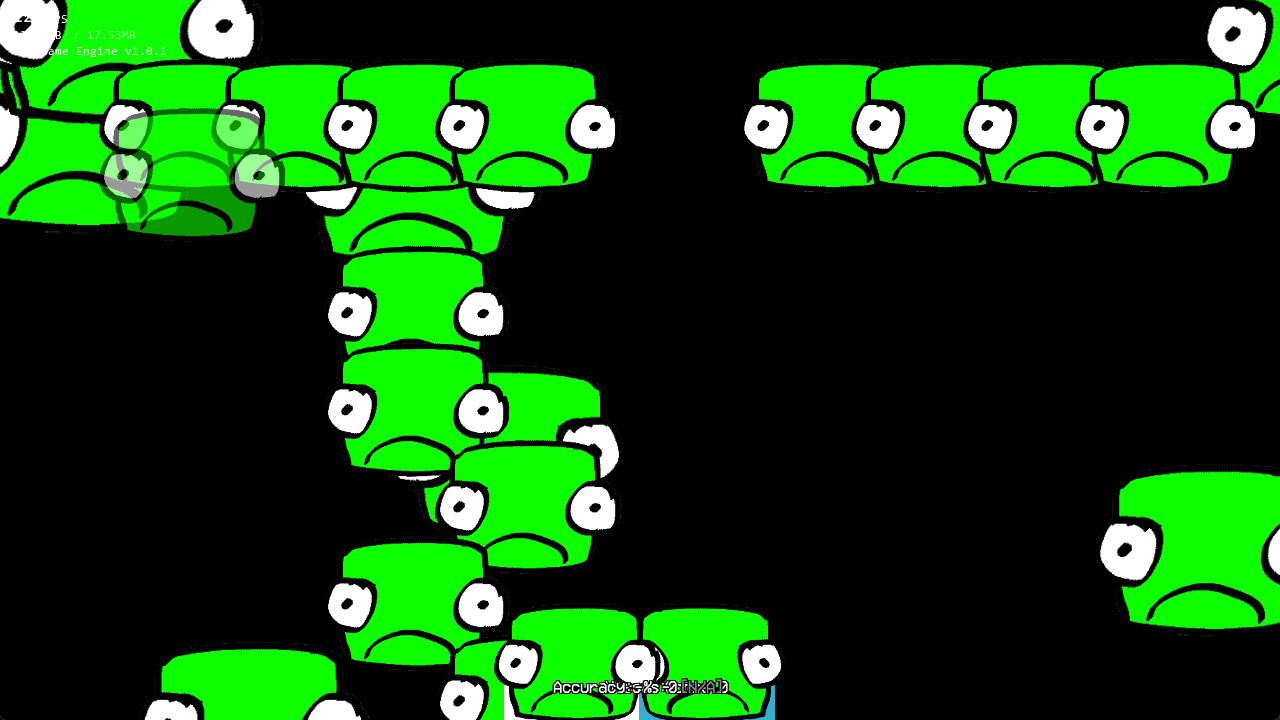
This script, if loaded as a ScriptedAssetLibrary, will make any asset that ends with a .png extension, will path towards images/hi.png.
The reason we have to split the _parsedAsset by / is since Codename Engine supports multi-atlas sprites (i.e images/characters/bf/1.png, images/characters/bf/2.png, etc), and we know this temp image isn't a multi-atlas sprite, we need to account for Codename Engine not knowing that.
Since in this example, we are telling Codename Engine any extension with .png is always existing in this location, it will do it's shenanigans and try to check if other assets exist, making an infinite loop.
Usually, you won't need to worry about that. 99.99% of the time your not going to just lie to the engine when handling paths.
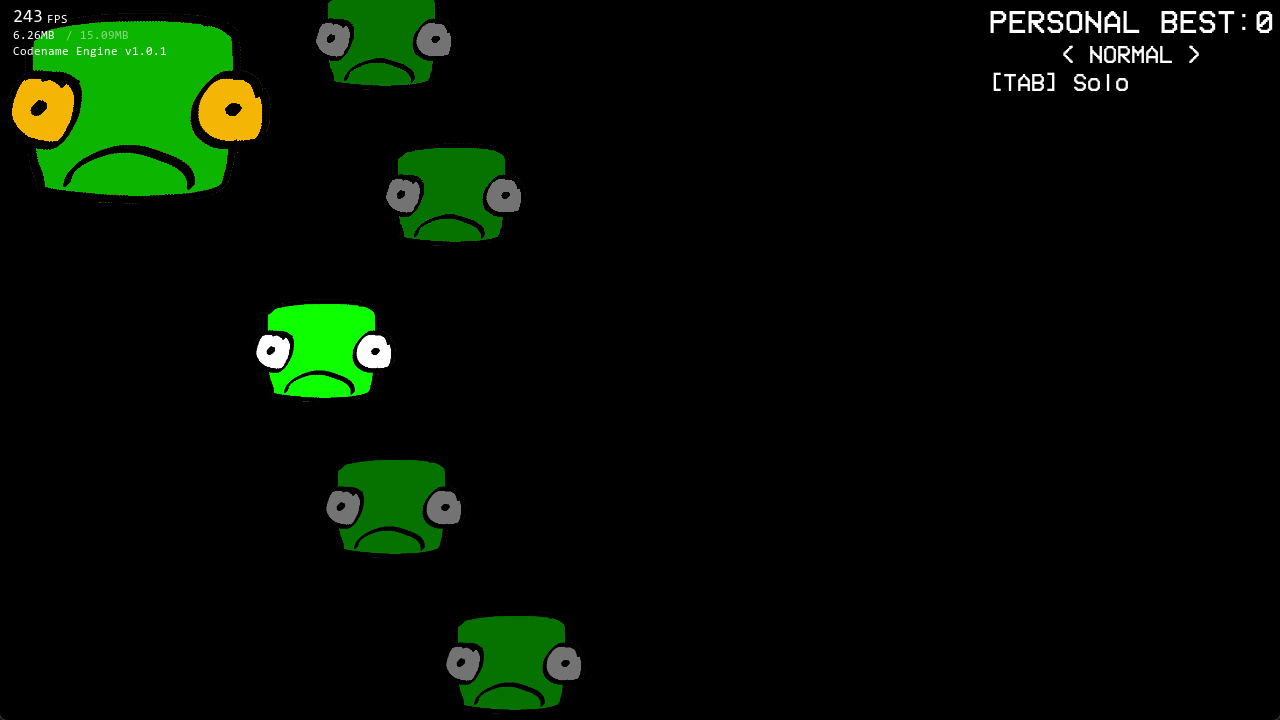
If you want to see what this code produces, here: